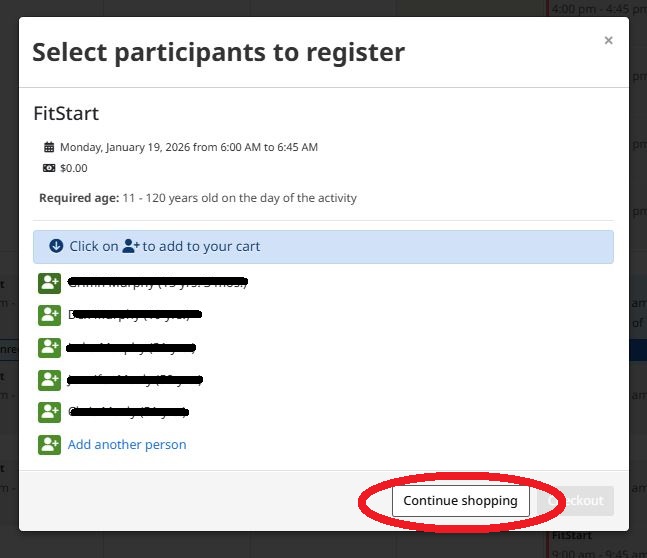


How to Cancel a FitStart Appointment
- Log in to your Amillia account at app.amillia.com
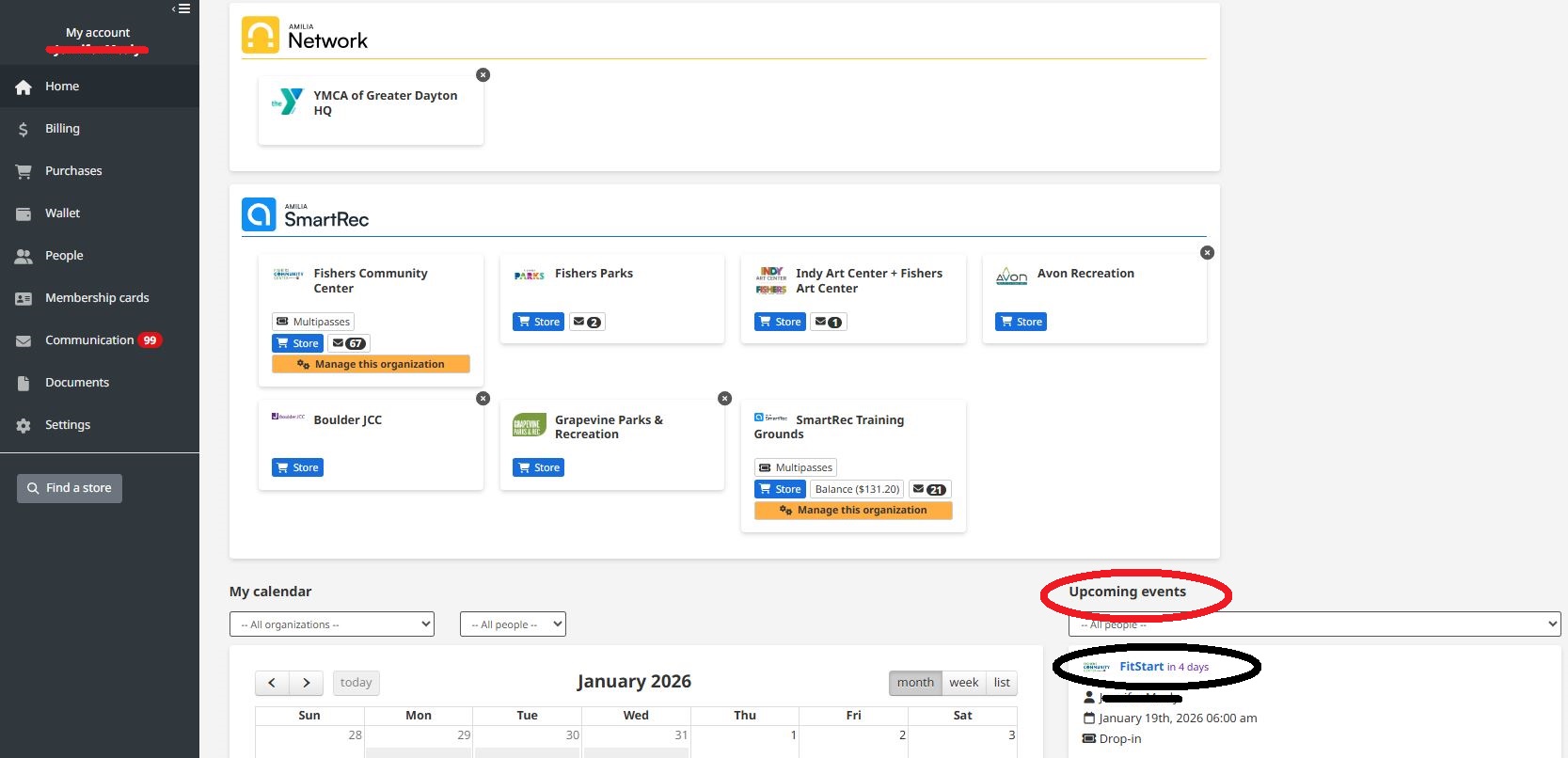
- Click on your scheduled FitStart appointment in the bottom right-hand corner
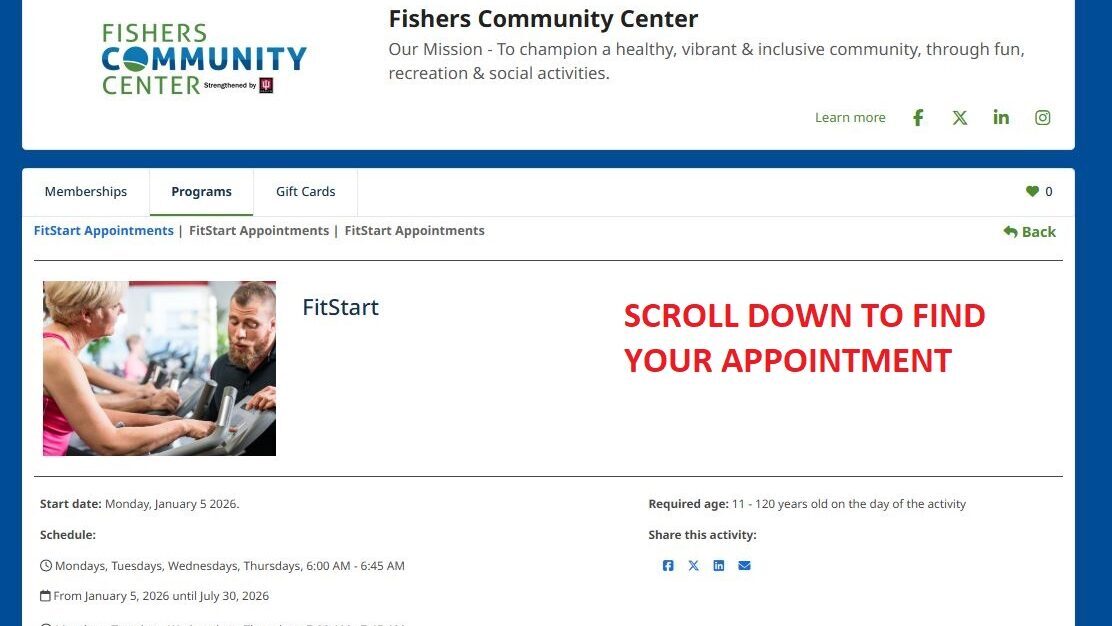
3. Scroll down on the scheduling page to find your scheduled appointment
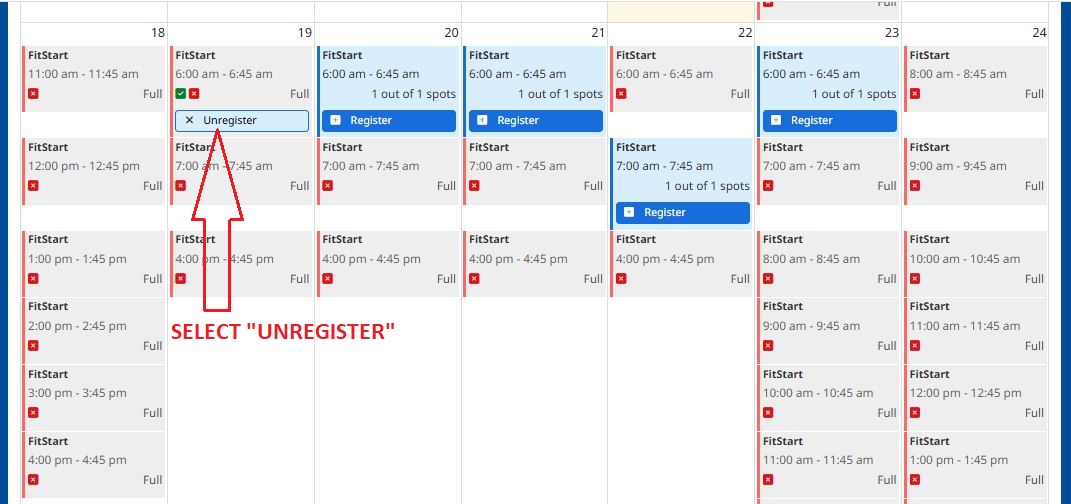
4. Click “Unregister” under the appointment
5. Click “Unregister” next to the name of the scheduled member
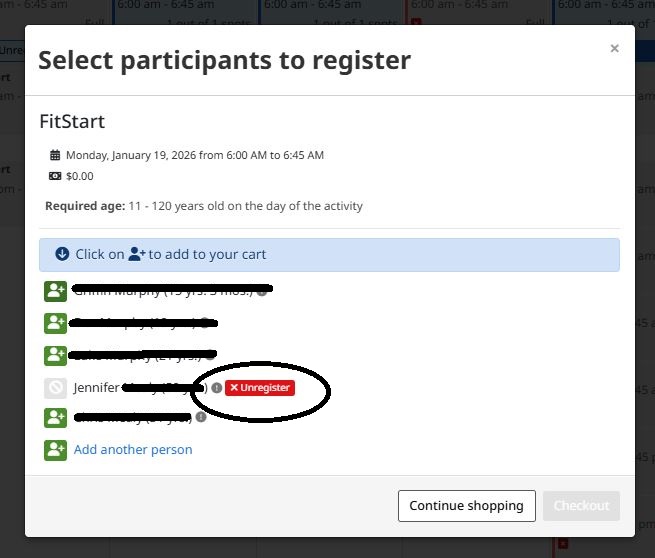
6. Click “Continue Shopping” to select a different date