
Fishers Community Center Mobile App – Your FCC, All in One Place
With the app, you can:
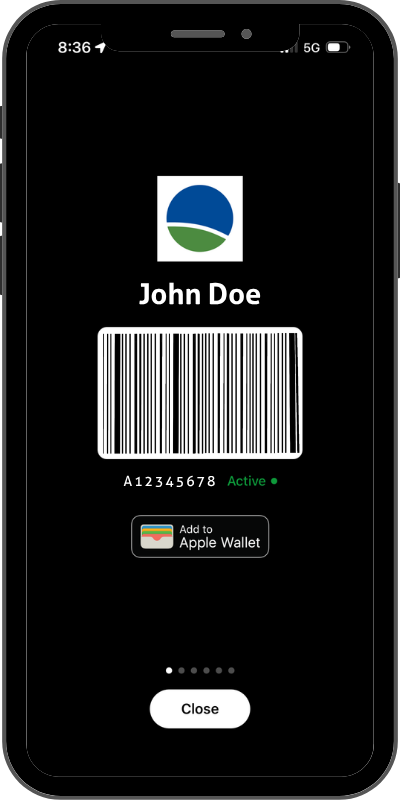
- Access your FCC membership barcode
- Add your membership barcode to Apple Wallet or Google Wallet
- Explore FCC classes, programs, events and schedules
- Make reservations and register for programs
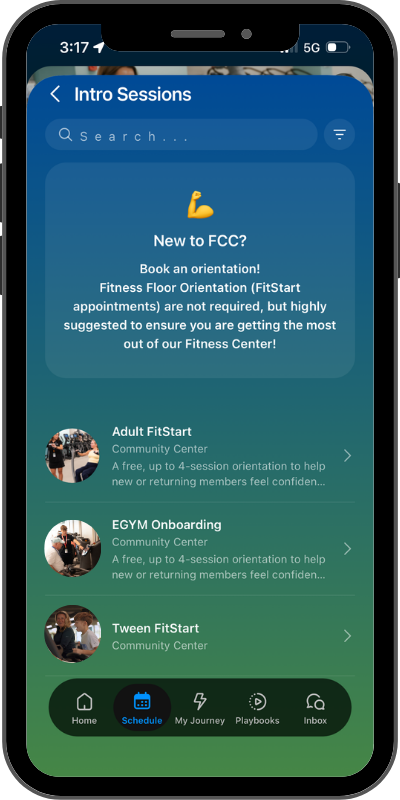
- Schedule Intro Sessions
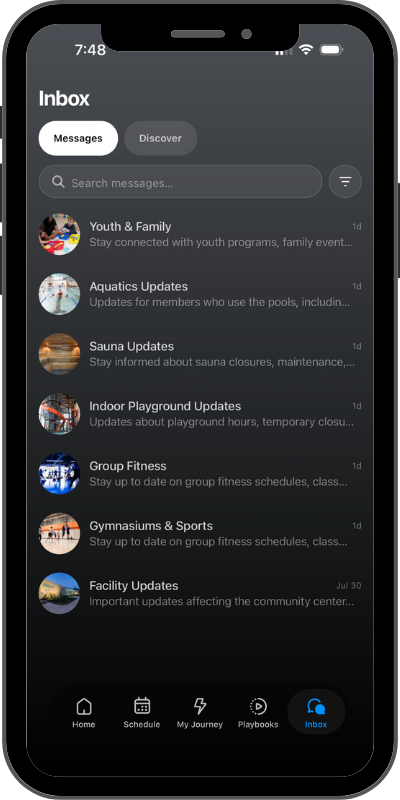
- Receive updates through your Inbox
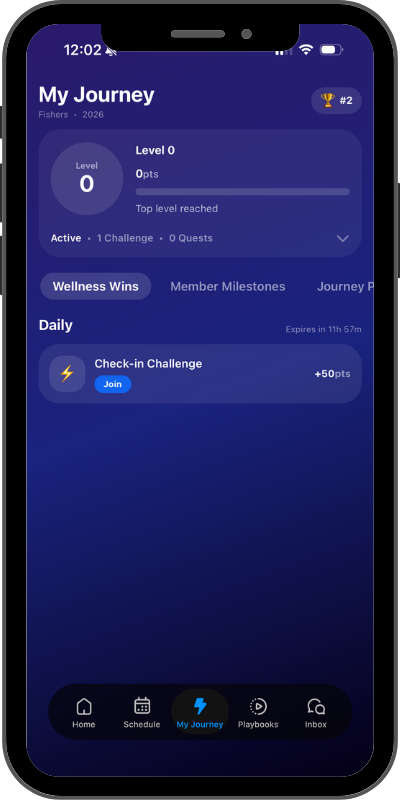
- Join challenges and quests through My Journey
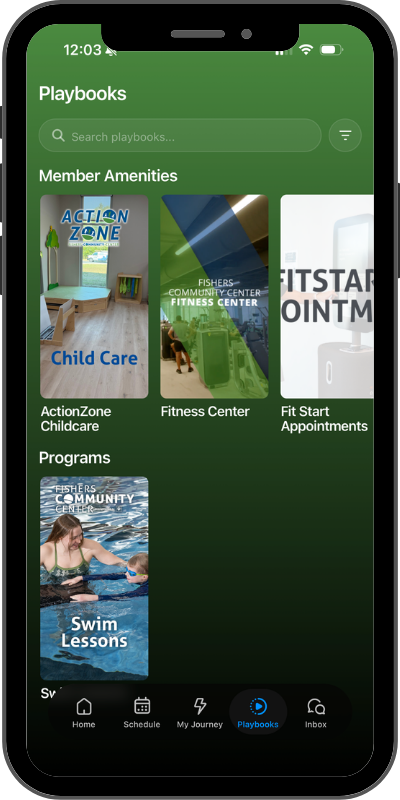
- Explore helpful guides and resources with Playbooks


Getting Started
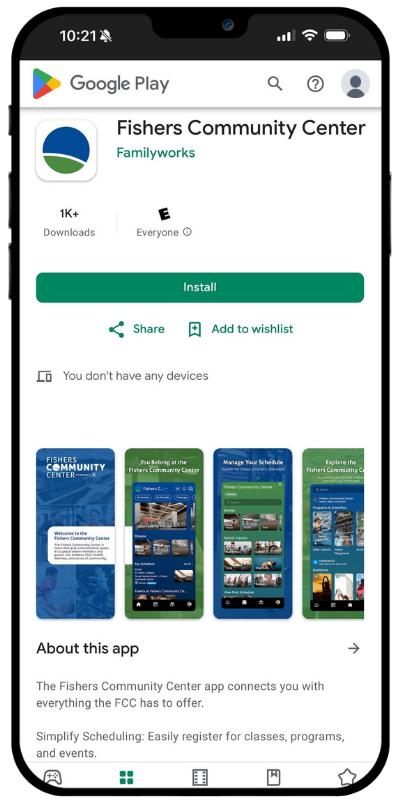
Download or Update the App
The updated Fishers Community Center app launches September 8, 2026.
If you already have the FCC app and have automatic updates enabled on your phone, the app should update automatically. Otherwise, you will be prompted to update the next time you open it.
Logging In
Enter the communication email address associated with your FCC account in Amilia. You will receive a confirmation code from Familyworks at that email address to complete your login.
Not sure which email address is associated with your account? Visit the Welcome Desk or contact us at 317-595-3123 or FCCInfo@fishers.in.gov.
The FCC App and Amilia: What’s the Difference?
Both tools play an important role in your FCC membership.
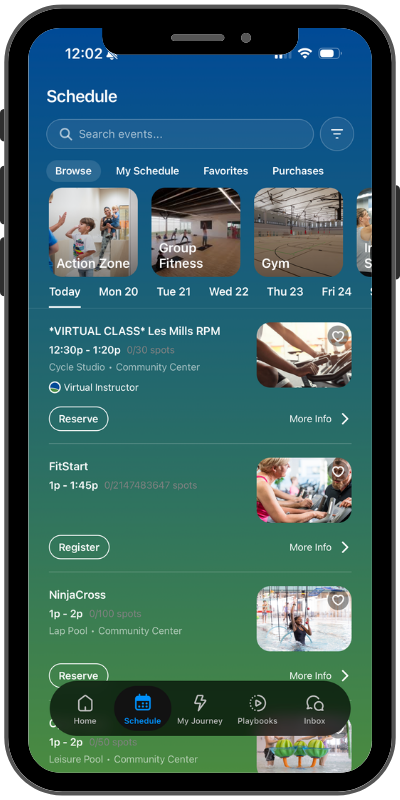
Use the FCC app to:
- View schedules
- Access your membership barcode
- Make reservations
- Discover programs and events
- Schedule FitStart and EGYM appointments
- Receive FCC updates
- Explore Playbooks
- Participate in My Journey
Use your Amilia account to:
- Manage your FCC account and household
- View membership and billing information
- Manage payment methods
- Complete transactions and program registrations when directed to Amilia